Read the Commission Before Spending
A beautiful dress can still fail a commission if it misses a required style, color, material, or quality threshold. Checking those conditions before buying fabric helps prevent expensive redesigns. In Dressmaker, successful orders depend on coordinating your pattern, materials, cutting layout, and sewing with the customer's request.
The basic process is straightforward: accept a commission, design the garment, choose fabric, cut the pieces, sew them together, add decorations, and deliver the result. Each stage affects the choices available afterward, so a little planning saves considerable rework.
| Requirement | What to check | How it affects your plan |
|---|---|---|
| Occasion and style | The requested look and any displayed style conditions | Guides your choice of bodice, sleeves, skirt, and collar |
| Attribute limits | Whether a value must reach a minimum or remain below a ceiling | Determines whether increasing that attribute helps |
| Color and material | Explicit fabric or color conditions | Narrows suitable purchases before cutting |
| Quality | The customer's minimum acceptable quality | Helps you judge cutting and sewing trade-offs |
| Budget and decoration | Available spending money and required finishing details | Leaves room for necessary trim or accessories |
Turn the request into a short checklist:
- Record every explicit condition before designing.
- Check both desirable attributes and attributes with upper limits.
- Plan required decorations alongside the main garment.
- Recheck the finished dress against the same list before delivery.
Build Style Through Pattern and Fabric
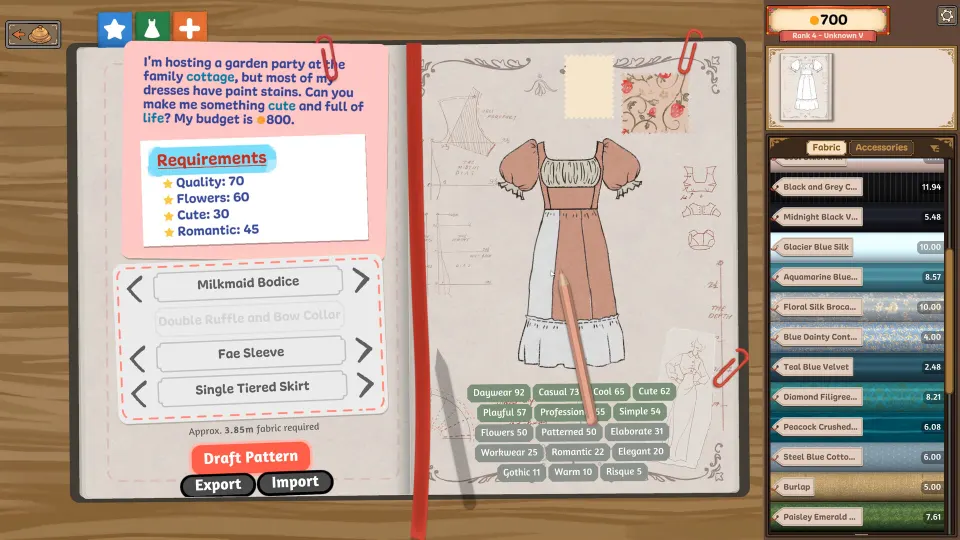
Start in the sketchbook by combining garment components that support the requested look. The bodice, collar, sleeves, and skirt contribute to the dress's style values. Fabric then changes those values further, so evaluate the complete design instead of expecting every component to supply every requested attribute.
For a request combining two styles, establish the main direction through the pattern, then examine which fabrics improve the remaining values. Check negative effects as well as positive ones. A material that strengthens one attribute may complicate another requirement.
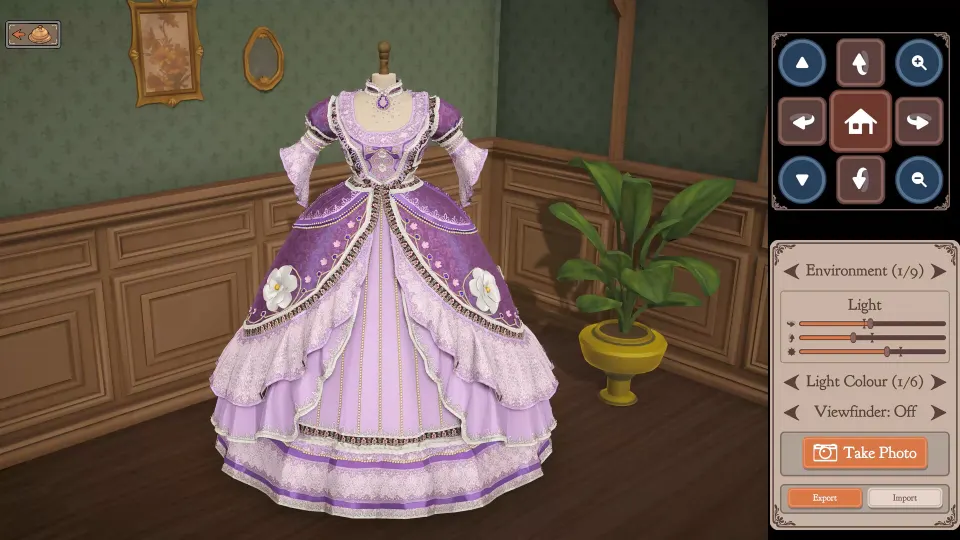
The sketchbook also supports experimenting visually. You can color individual panels and preview materials using fabric samples. This helps you judge combinations before purchasing fabric or cutting pieces.
| Fabric | Useful design direction | Visual character |
|---|---|---|
| Cotton | Everyday clothing and workwear | Matte, sturdy appearance |
| Linen | Relaxed or summery outfits | Noticeable texture and an airy look |
| Wool | Winter clothing and professional designs | Dense, warm appearance |
| Silk | Elegant and formal dresses | Smooth surface with sheen |
| Velvet | Dramatic outfits for balls or opera | Rich texture and depth |
Use these fabrics as starting points, then check the actual values and costs shown in your game. An expensive material earns its place when it solves a requirement or creates the appearance you want.
Before finishing the pattern, look at the approximate fabric requirement at the bottom of the pattern screen. Larger or more elaborate designs can demand more material. Compare that estimate with your budget while reserving money for required accessories.
Cut Efficiently While Watching Quality
The cutting table involves a trade-off between material use and grain alignment. Rotating a piece may help it fit into a smaller space, but that rotation can reduce grain quality. Perfect alignment is useful, yet ordinary commissions ultimately depend on meeting the customer's finished-garment quality requirement.
Lay out the pieces before cutting. This makes it easier to spot wasted space while you can still rearrange the whole design.
- Position the largest or most awkward pieces first.
- Fit smaller pieces into the remaining spaces.
- Check grain alignment and any planned rotations.
- Preview how patterned fabric appears on the garment.
- Cut once the layout and preview are satisfactory.
| Your priority | Practical approach | Trade-off to watch |
|---|---|---|
| Conserving material | Try tighter arrangements and alternative rotations | Rotation can reduce grain quality |
| Preserving grain alignment | Keep pieces aligned with the fabric grain | The layout may require more fabric |
| Improving pattern placement | Inspect the garment preview before cutting | A compact layout may produce an unwanted visual result |
| Correcting a bad cut | Recycle the unwanted piece where available | Check the interface before committing further work |
When a cut piece has the wrong appearance or uses the wrong fabric, look for the recycling option before abandoning the project. Recovering its material lets you revise the layout and cut again where the interface permits.
Sew Accurately and Place Trim Carefully
Sewing becomes easier when you vary your pace with the shape of the seam. Straight sections are generally more forgiving. Curves and corners need slower movement and smaller corrections, especially when you are still learning how to steer the fabric accurately.
If manual sewing feels difficult to control, enable Sewing Assist in the settings. It reduces some of the manual work involved and can make garment construction more manageable. Continue checking your stitching and the resulting quality against the customer's requirements.
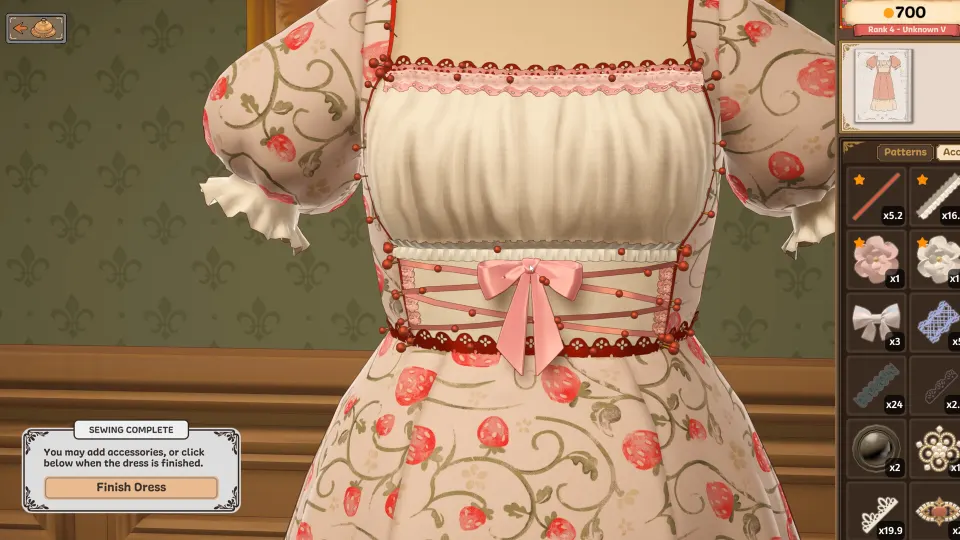
Decorations need a different kind of patience. Buttons, bows, appliqué, and lace can support the appearance or satisfy explicit conditions. Use them with a purpose, particularly when the budget is limited.
For lace and other trim, try this approach:
- Place a short section at a time.
- Add pins as you work along the edge.
- Adjust the placement before continuing around a curve.
- Zoom in to inspect awkward areas.
- Rotate the mannequin to check clipping and alignment.
Player-reported trim techniques favor this gradual approach over dragging one long section around an entire neckline or hem. Check the garment from several angles before considering the finishing work complete.
Recover Mistakes and Track Story Progress
| Situation | Available response | Useful outcome |
|---|---|---|
| An unwanted cut piece | Recycle it where the interface allows | Recover fabric for another attempt |
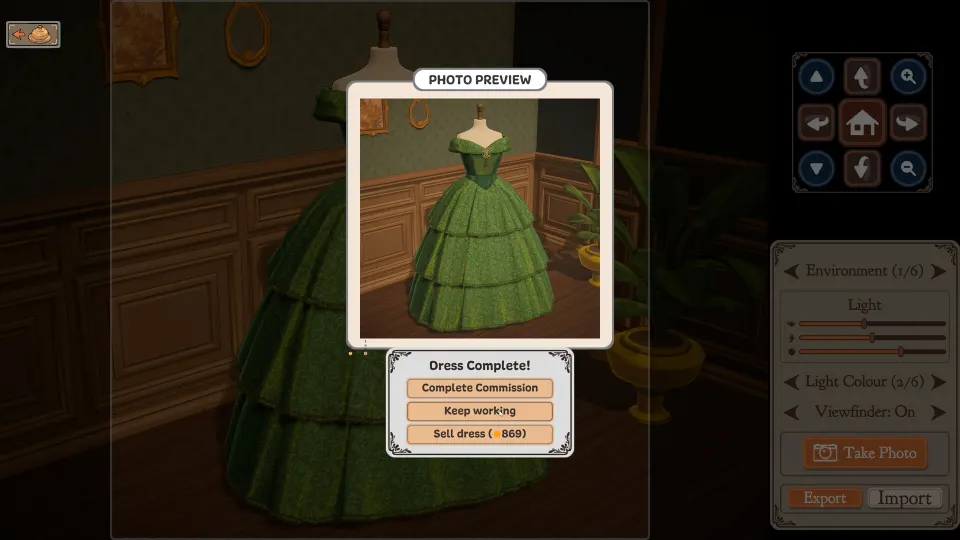
| A finished dress misses the commission | Sell it as an off-the-rack garment when available | Recover some value from the completed work |
| Fabric remains after an order | Keep it for a suitable later design | Reduce future material purchases |
| Accidentally purchased material is difficult to use | Consider it for an off-the-rack design | Turn awkward stock into a sellable garment |
Off-the-rack dresses and custom commissions serve different purposes. Window sales let you earn from pre-made designs, while named clients' commissions advance their individual storylines. Selling an unrelated garment does not replace completing the relevant story request.
Keep a simple record of named commissions and pigeon-delivered requests. Jobs such as Librarian Workwear, Nocturnal Glamour, and Marie's Wedding have distinct identities; record their actual conditions instead of assuming one successful dress template will suit them all.
If an order fails, compare the result with your original checklist. Identify whether the problem concerns style, color, material, decoration, or quality before changing the design. A targeted adjustment is easier to plan than rebuilding without knowing which requirement was missed.
FAQ
Does this dressmaker guide apply to Prototype v0.5.5?
The broad design, fabric, cutting, sewing, and delivery process applies across the prototype and Steam release. However, prototype instructions can differ in controls, progression, scoring, and recovery features. In particular, older advice about having no undo options should not override recycling tools available in your current game.
Do I need perfect grain to complete a commission?
Perfect grain is unnecessary for every order. The finished garment needs to meet the customer's required quality. Efficient placement can justify accepting lower grain quality when the overall result still qualifies. Perfect alignment becomes more relevant when specifically pursuing the associated achievement.
Why does adding more style sometimes make an order harder?
Some requests impose upper limits as well as minimums. Increasing an attribute helps only when that increase supports the commission. Check the combined effects of garment components and fabrics, especially when improving one style could push another value beyond its allowed limit.
Can I sell a dress that does not meet the request?
Yes. Once off-the-rack selling is available, a completed dress that misses a commission can still be sold. This recovers some value from the work, but the original client request remains a separate objective. Consider suitable leftover materials for future window designs as well.
How long does the full game take?
The developer's September announcement estimated approximately 35 hours of story commissions, excluding off-the-rack dresses. That describes the announced story scope rather than a guaranteed completion time. Experimenting with designs, revising garments, and making additional dresses can change how long you spend playing.